AVAILABLE NOW
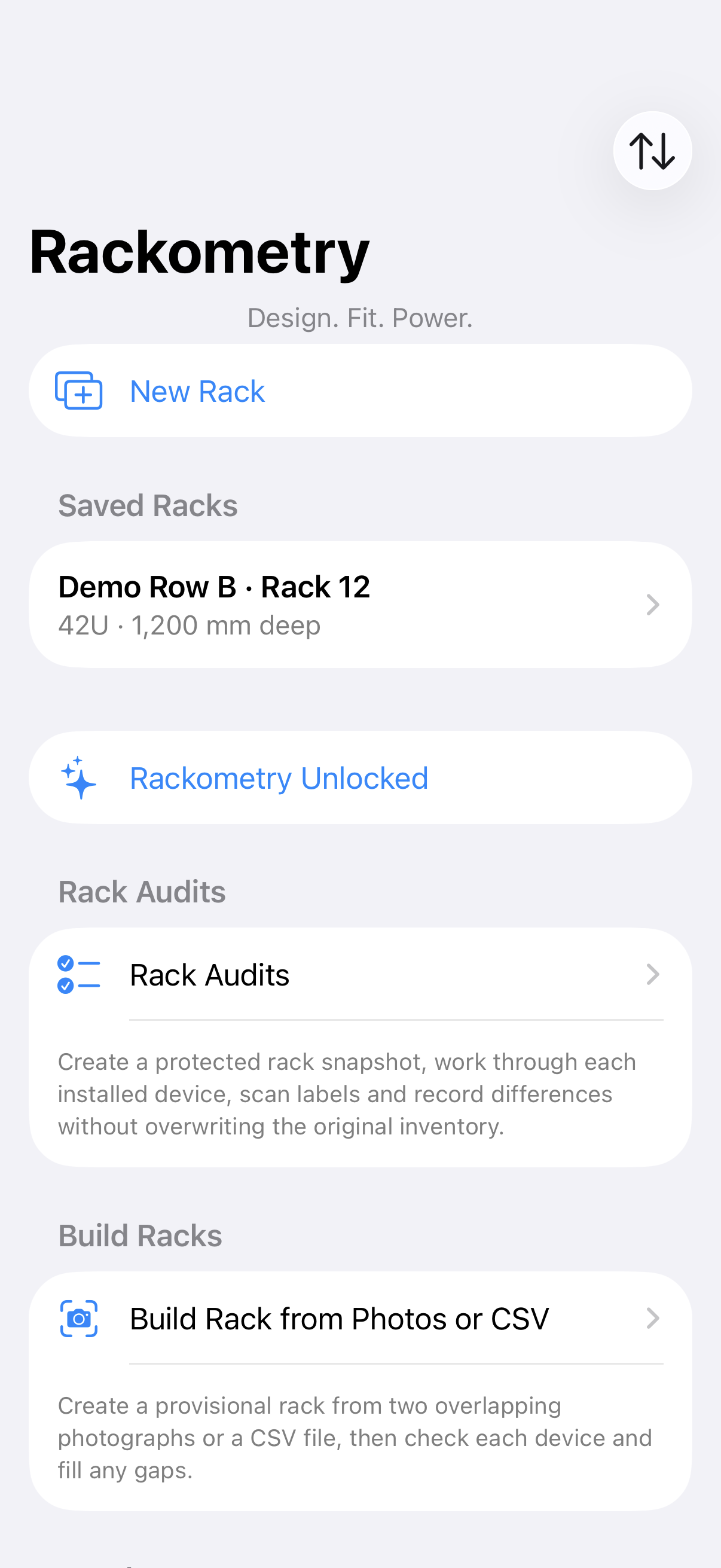
iPhoneCapture and confirm at the rack face.
Camera-assisted rack building, close-up label reading, manual updates, audits, PDU records and CSV handover in a field-friendly format.
View on the App Store →One app for the work around the rack
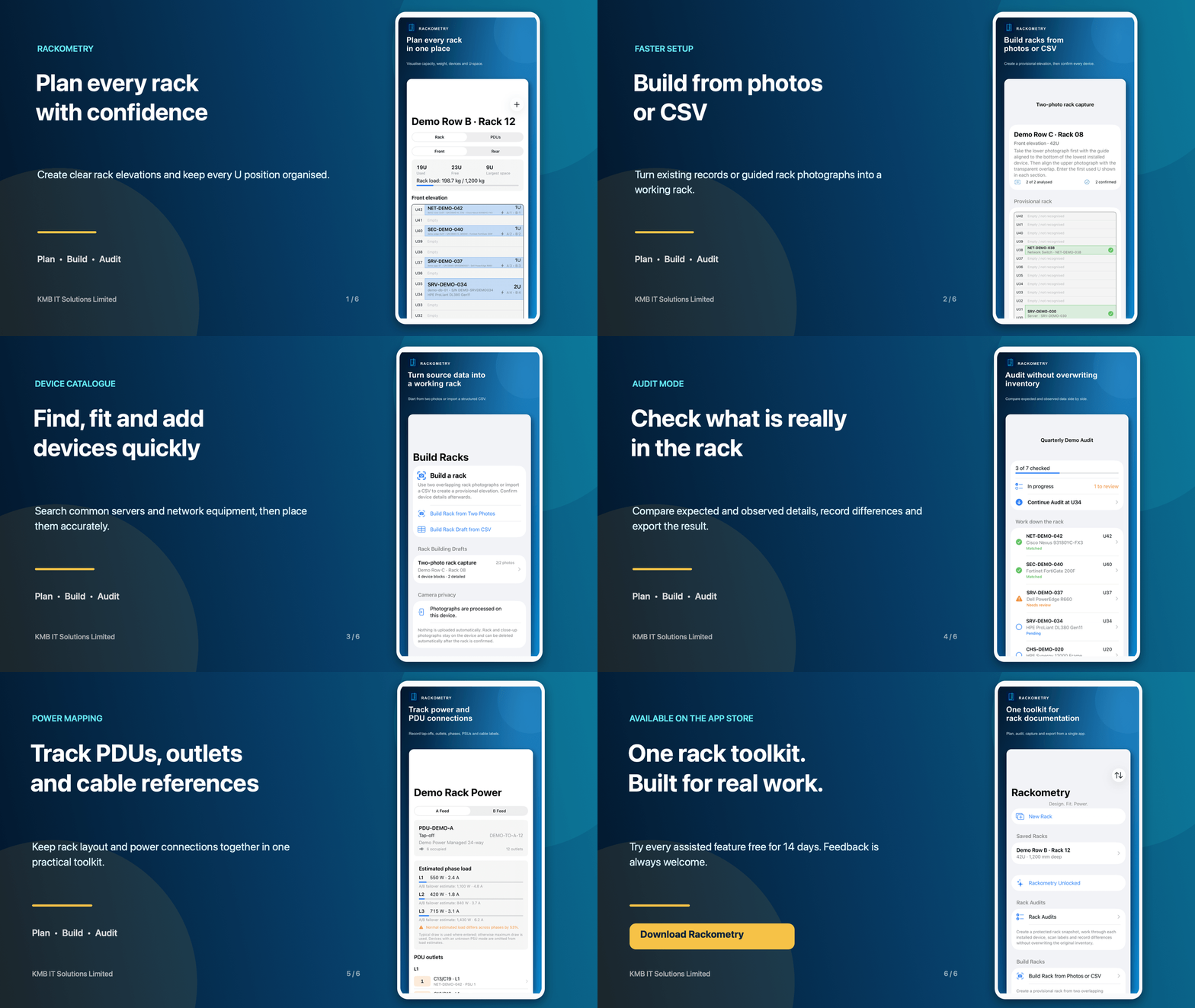
Build accurate rack records from manual entry, an existing CSV or two guided photographs. Confirm the detail device by device and hand the result back to the system your team already uses.
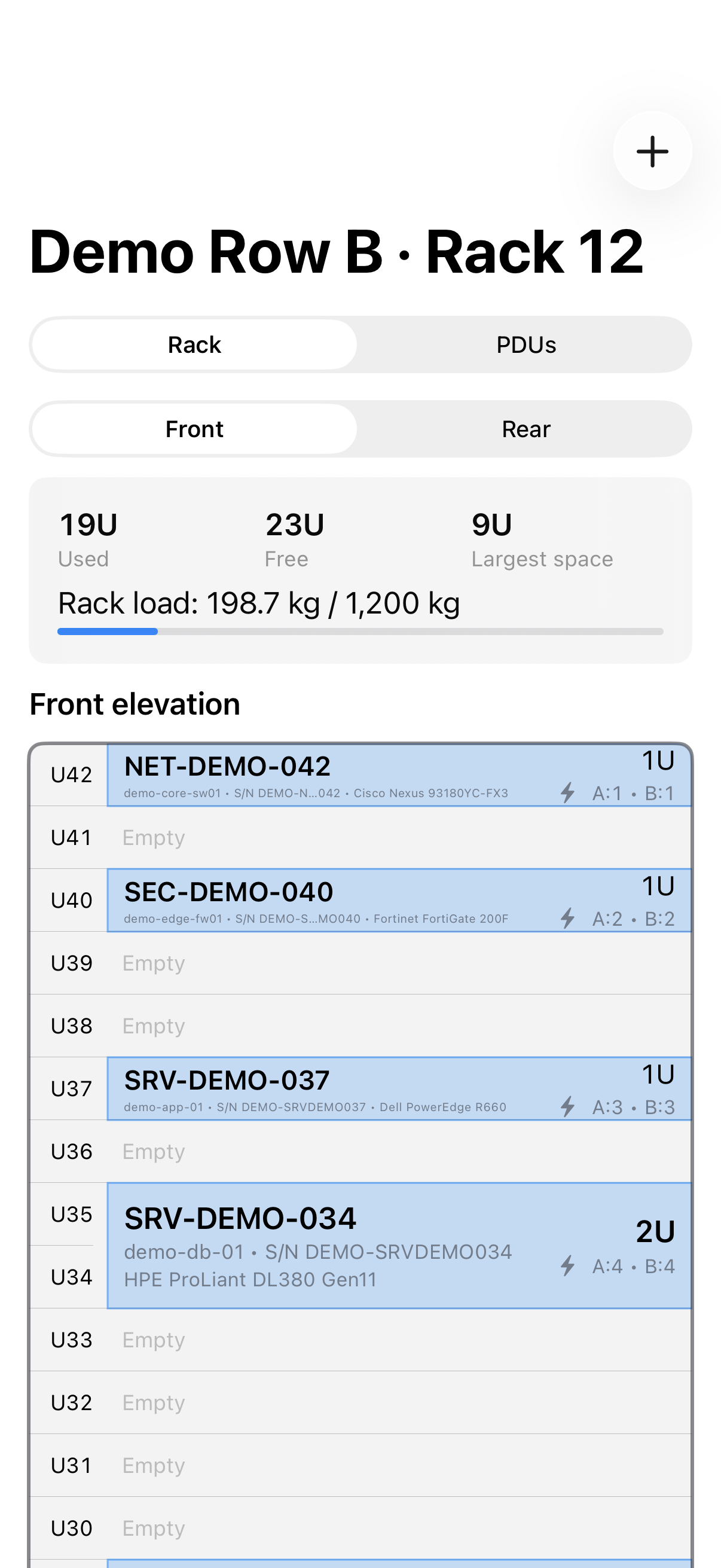
MANUAL ENTRY
✦CSV IMPORT
✦CAMERA-ASSISTED CAPTURE
✦AUDIT & EXPORT
One recognisable Rackometry family
The same navy-and-cyan identity and familiar rack workflow are being carried across phone, tablet and desktop. Platform availability is shown clearly below.
Camera-assisted rack building, close-up label reading, manual updates, audits, PDU records and CSV handover in a field-friendly format.
View on the App Store →The same personal purchase and local-first records, adapted to the larger display with clearer navigation between racks and workspaces.
View on the App Store →A matching personal Mac edition is being completed so the Apple experience remains familiar across iPhone, iPad and Mac.
App Store availability will be shown here after Apple approval.A separately licensed desktop edition for organisations, including controlled users and computers, working notes, USB and Bluetooth barcode-scanner input, local storage and export access even after a licence ends.
Explore Rackometry Business →Rackometry Business
Rackometry Business is being prepared for Windows and macOS with organisation licensing, local-first rack records and a workflow designed for laptops, desktops and Windows tablets.
See the dedicated business page for the 14-day evaluation, organisation licence, pricing, platform scope and purchase policies.
Rackometry in under 30 seconds
The short animation follows a technician from the rack face to a structured record: capture what is installed, confirm the details and export information your wider systems can use.
The current preview is intentionally sound-free. A narrated version with captions is planned.
Start with what you have
Use Rackometry for a brand-new plan or bring an existing environment into a structured verification workflow.
Create racks and add devices yourself when you need a controlled plan or a straightforward installation record.
Map the columns from an existing asset or DCIM export, load the racks and retain expected values for the audit.
Photograph the lower and upper rack with a guided overlap. Rackometry proposes occupied blocks and U heights for you to confirm.
Field tools with a clear purpose
Privacy by design: rack photographs and close-up label reading are processed on the device. Only manufacturer and model search terms are sent to the catalogue service when you request an online lookup.
Search common servers, switches, storage and rack equipment using familiar short model names, then narrow the results.
Choose the field you need — manufacturer, model, serial, service tag or asset tag — then scan only that value.
Move through a rack, compare expected and observed values, record discrepancies and add equipment found on site.
Keep permanent notes against racks, devices, blades and PDUs. Add separate audit comments so the expected record and the finding from site remain clear in the CSV export.
On Rackometry Business, common USB and Bluetooth scanners that behave like a keyboard can enter asset tags and serial numbers directly into the active field.
Record chassis, bays and the individual blades installed within them.
Record PDU outlets, supply or tap-off sources, feed paths, cable labels and device power connections.
Export the confirmed record, including notes and audit comments, for review or import into the wider system used by your organisation.
A simple way to try the complete workflow
Keep using the manual rack, equipment, PDU and core CSV tools. If Rackometry earns its place in your workflow, permanently unlock the advanced features with a one-off purchase rather than another monthly subscription.
The App Store shows the price in your local currency and region. Trial, availability and purchase terms may vary by country.
Questions before you try it
You can create and edit racks manually, record equipment and PDU information, and use the core CSV workflow.
The 14-day trial includes catalogue lookup, assisted specification completion, camera-assisted two-photo rack population, close-up label recognition and advanced audit tools.
No. It is a one-off purchase rather than a recurring subscription. Apple shows the price in your local currency and region on the App Store.
Rackometry is available now for iPhone and iPad. A matching personal Mac version and a separately licensed Windows and macOS business edition are being prepared.
Yes. Rackometry Business is designed to accept input from common USB and Bluetooth barcode scanners that work like a keyboard. You can scan into the active asset-tag or serial-number field, then review the value before saving it.
A direct business checkout is planned alongside the Windows and macOS releases. It will support organisation licensing and business invoices. Until it is live, organisations can register their interest with KMB IT Solutions.
No. Rackometry is a focused field tool for planning, capture and audits. CSV import and export help you move verified information into the system your organisation already uses.
Rack photographs are processed on the device. You can keep them for your records or choose automatic deletion after the rack information is confirmed. Close-up label images are discarded after reading.