Plan and document
Create front and rear rack elevations, devices, blades, PDUs, cable labels, supplies and tap-off information.
Windows and macOS for organisations
Plan racks, import existing records, audit what is installed and export a checked handover—without replacing the DCIM or asset system your organisation already trusts.
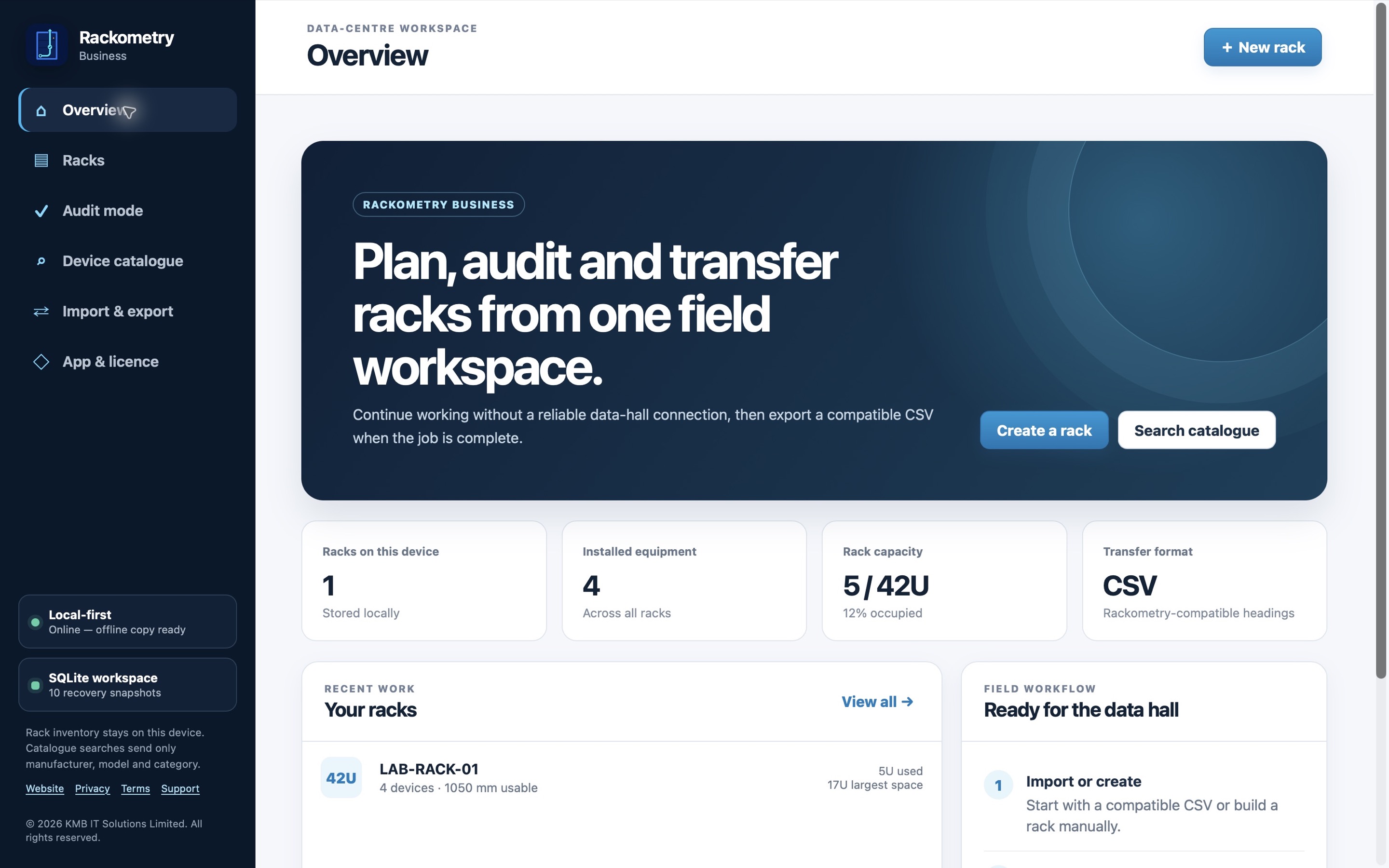
See the workflow
Follow a field technician from an existing CSV to a checked rack handover. The illustrated walkthrough shows where scanning, audit findings, power details and local-first records fit into the day’s work.
The app screens in the film use fictional demonstration data. Rack and audit records stay on your computer until you choose to export or share them.
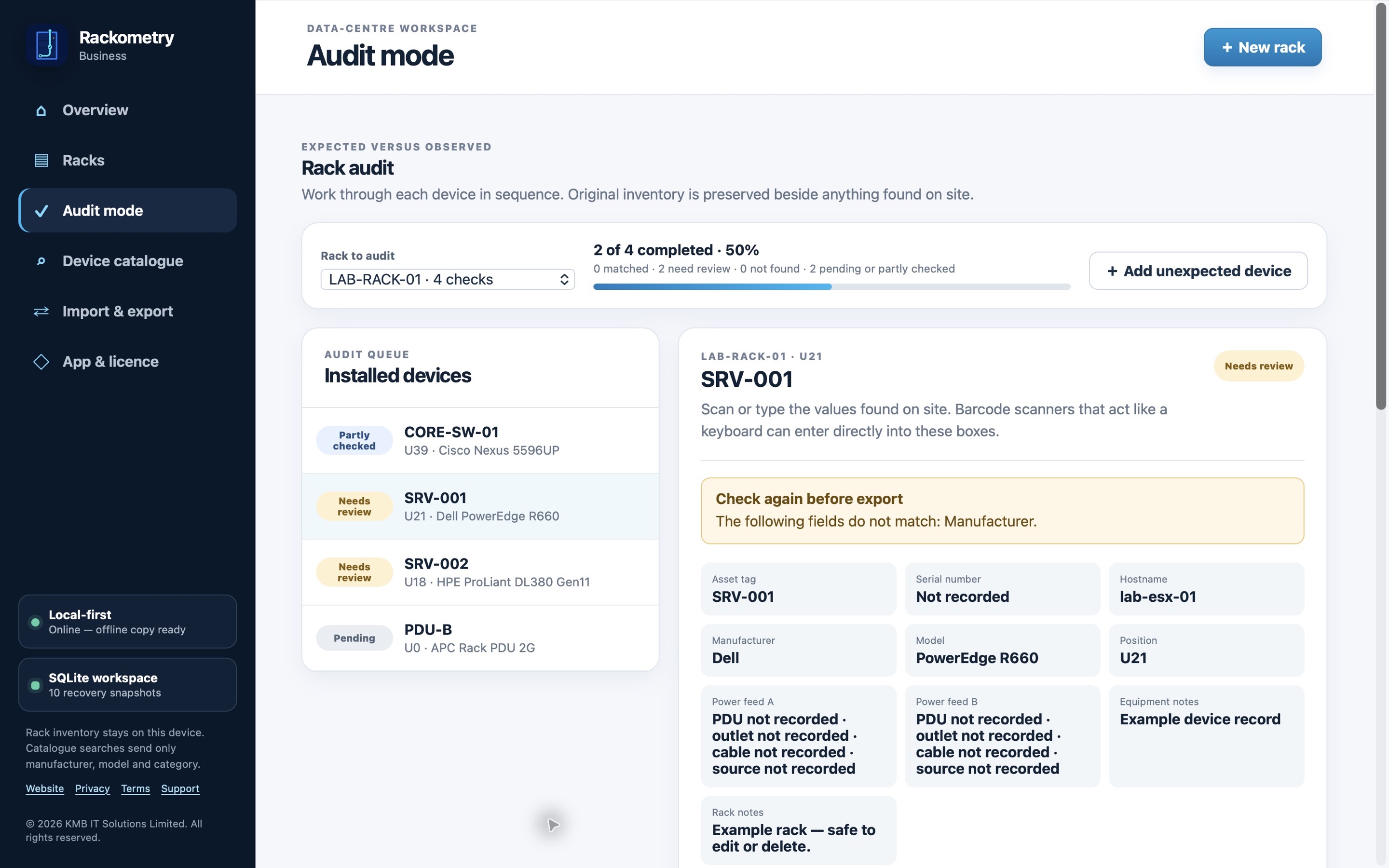
See the working audit
A real view of the Business audit screen using fictional records. Check each device, retain the original value and flag anything that needs review.
A complete desktop workflow
Rackometry Business keeps the expected record, the observed result and the audit comment together so discrepancies are visible rather than silently overwritten.
Create front and rear rack elevations, devices, blades, PDUs, cable labels, supplies and tap-off information.
Map columns from a CSV export and load a focused rack group without moving the organisation’s full source system.
Move through each rack, compare expected and observed values, add permanent notes and keep separate audit comments.
Use common keyboard-style USB or Bluetooth barcode scanners for serial numbers and asset tags, with manual correction before saving.
Keep rack records on the computer and continue normal field work offline between periodic licence checks.
Produce a structured CSV containing expected values, findings, notes and discrepancies for review or onward import.
Clear organisation licensing
Start a 14-day evaluation online after work-email verification—no manual approval or payment card is required. When Rackometry Business earns its place in the workflow, purchase an annual organisation licence and activate the authorised users and assigned computers your team needs.
Then £249 per year. Renews annually until cancelled.
Growing beyond the standard plan
Additional capacity packs are £149 per year. Larger or more specialised rollouts can be discussed before purchase.
Talk to KMB IT Solutions →Questions before a rollout
No. Rackometry Business is a separately licensed desktop edition for organisations using Windows and macOS. It is designed for authorised employees and assigned shared audit computers.
The standard organisation licence covers up to 10 authorised users and 20 activated computers. After checking the organisation administrator’s authority, KMB support can release a retired computer so its activation can be transferred.
The introductory first year is £149. The standard renewal is £249 per year. Secure checkout shows the final local currency, tax and renewal total before payment.
Yes. Start a 14-day organisation evaluation online, verify your work email, then activate your computer with the one-time key. No card is required to start.
Normal field work can continue offline for up to 30 days between licence checks. Rack records remain local to the computer unless a user exports or shares them.
If your organisation requires an air-gapped computer with no internet connection for activation, licence checks or catalogue access, please contact us before purchase. We can review your requirements and discuss whether a separately priced, manually updated offline edition can be provided. It is not included in the standard licence.
Existing records remain available to view and export. Editing and licensed features remain unavailable until the organisation renews or reactivates the licence. A seven-day payment grace period helps protect work during a renewal problem.
Yes. USB and Bluetooth barcode scanners that behave like a keyboard can enter asset tags and serial numbers into the active field.
No. Rackometry Business is a field and desktop workflow for planning, capture and audit. CSV import and export help teams return checked information to the authoritative system they already use.